


Digital Hygiene for South Africans: Everyday Habits That Protect Your Digital Life
Digital risk has become part of daily life in South Africa. Whether you’re working a shutdown, travelling between plants or applying for new opportunities from home, your personal information is valuable to scammers. Shared accommodation, unsecured site Wi-Fi and long, draining shifts all create openings. Criminals know this and use polished fake job adverts, urgent banking alerts and convincing phishing messages to target workers who rely on their phones for everything.
Digital hygiene is simply the online version of PPE.
It’s not technical. It’s habit-building.
Why Digital Hygiene Matters.
South Africa remains one of the most targeted countries in Africa for phishing, identity theft and online fraud. People in mining, construction and engineering face extra exposure because they move between sites, travel with sensitive documents, and often use shared devices. Fatigue also works against you: tired workers click quickly, trust quickly and store passwords where they shouldn’t.
Prevention is still your strongest form of defence.
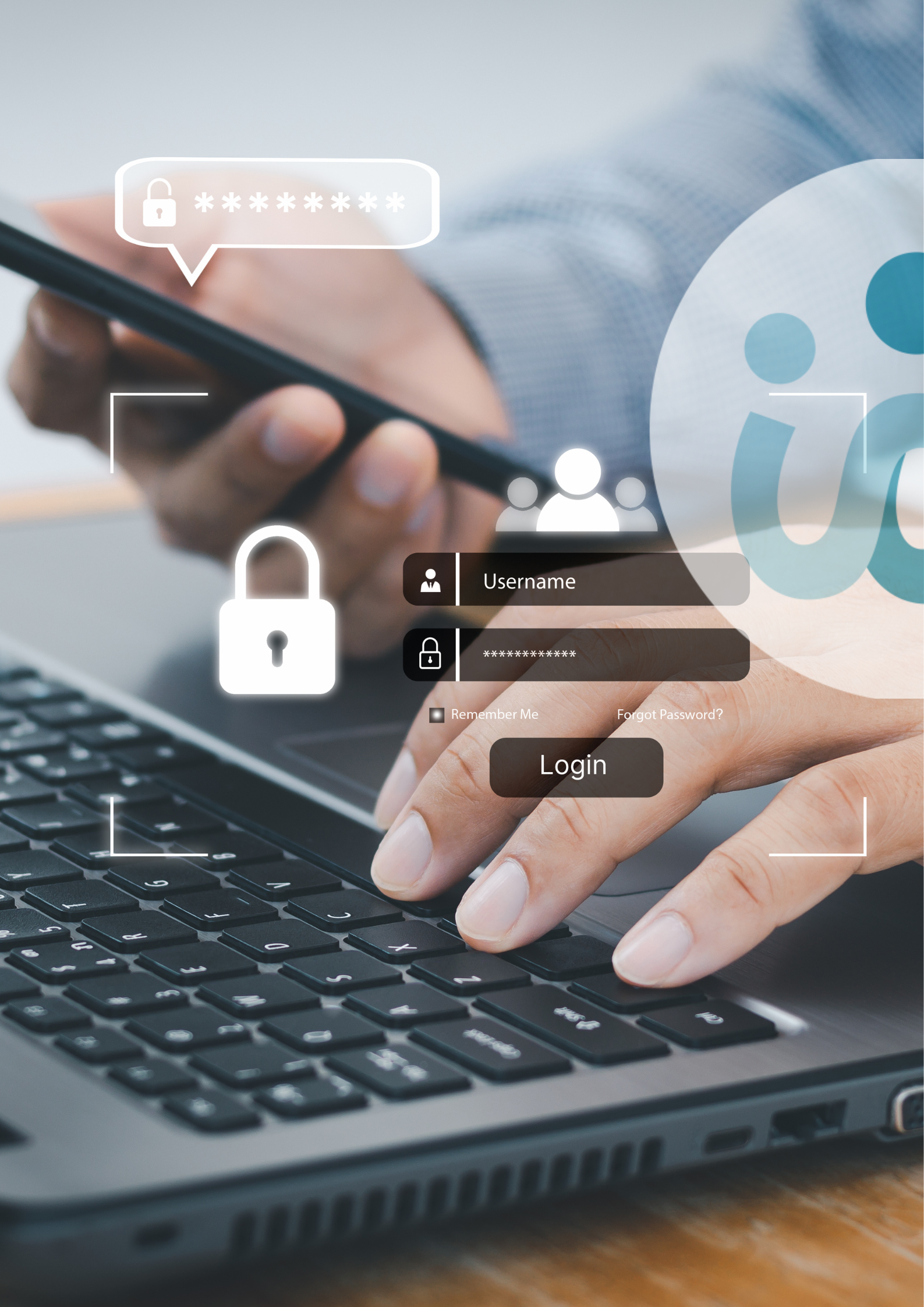
Passwords and Multi-Factor Authentication (MFA): Your First Shield
Weak or repeated passwords are behind most breaches. A long passphrase is harder to crack, and using different passwords for your banking, email and job-search platforms prevents one compromise from opening all your accounts. Multi-factor authentication adds a second barrier and should be activated wherever possible.
If your phone is lost or stolen, or you’ve just finished a contract, change your passwords. It’s a simple step that protects a lot.
Keeping Passwords Safe
A strong password isn’t useful if it’s stored carelessly. Notebooks, screenshots and chat apps are the easiest targets for anyone who gets hold of your device.
A reputable password manager remains the safest option because it encrypts your data and keeps everything in one protected vault.
Browser-based password managers can work on personal devices secured with a strong PIN or biometric lock, but they should never be used on shared computers in site offices or communal spaces.
Keep Devices Updated
Updates aren’t just cosmetic improvements. They patch the vulnerabilities criminals rely on. South Africans often delay updates due to data costs or signal issues, but staying up to date on your phone, laptop, browser and essential apps is one of the easiest ways to reduce risk. If you’re using a shared site computer, ask whether automatic updates are enabled.
Be Smart on Public and On-Site Wi-Fi
Open Wi-Fi in accommodation blocks or site admin areas makes life easier, but it’s rarely secure. Anyone on the same network can attempt to intercept your activity. Avoid using public or on-site Wi-Fi for banking, payslips, applications or password changes. Switch to mobile data or a VPN for anything sensitive.
Treat shared Wi-Fi the same way you treat a shared locker: convenient, but not suitable for valuables.
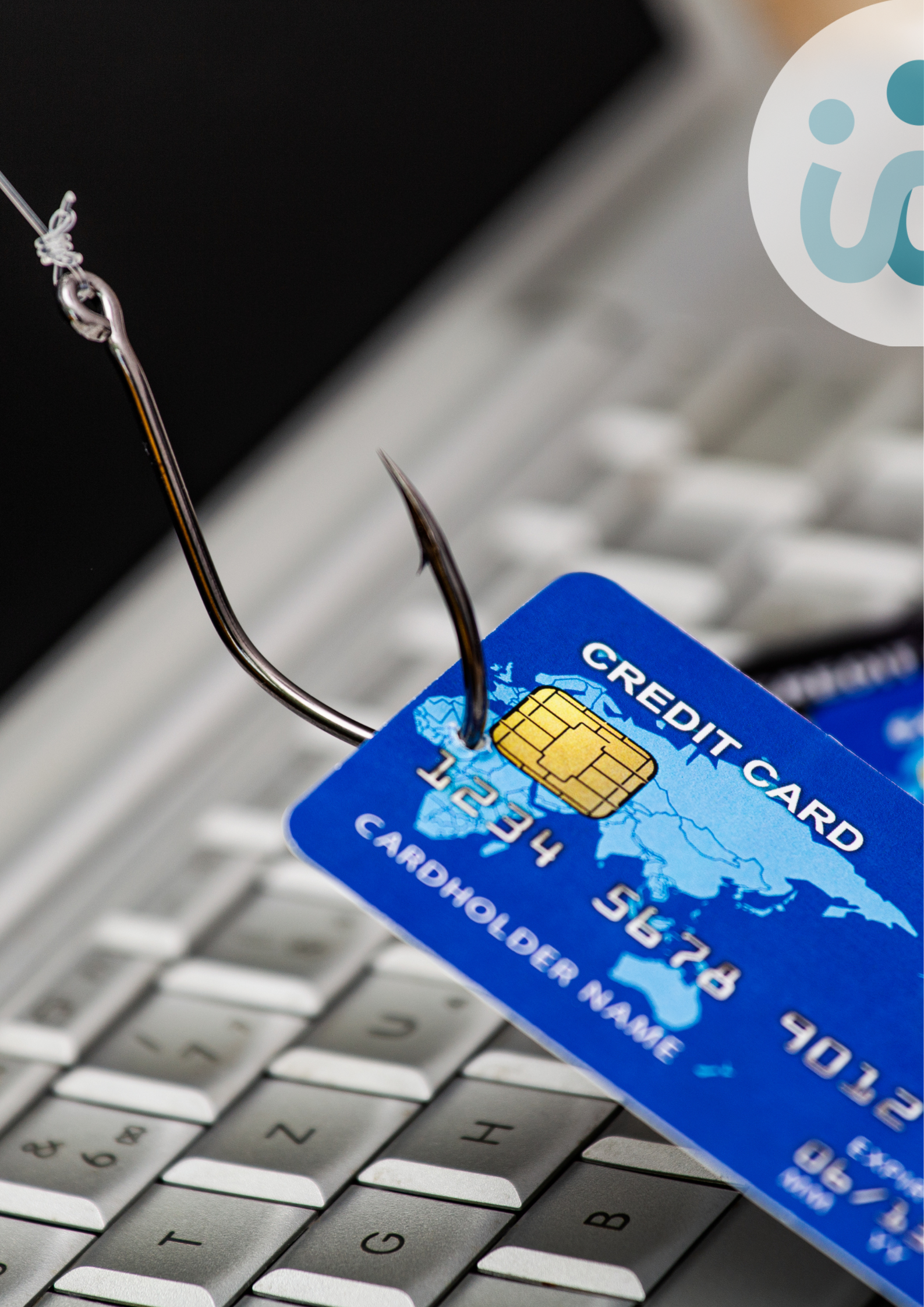
Spotting South African Phishing Scams
Phishing messages here often impersonate banks, SARS, UIF, courier companies or recruitment agencies. Many are professionally designed and rely on urgency: account closures, failed payments, overdue deliveries.
Watch for unexpected attachments, strange sender addresses or subtle spelling errors.
If something feels off, delete it.
Then contact the organisation using a number you know is legitimate. Ignoring a suspicious message is always safer than investigating it.
Protect Your Social Spaces
Digital hygiene is ordinary, everyday behaviour. Start with three simple habits: create a strong passphrase, switch on multi-factor authentication for your bank and email, and remove saved passwords from any shared device you’ve used recently.
Small changes now protect your future self.

 Chat to Us
